
Step 1
AI Video
AI image to video generator for ecommerce product clips.
Upload a product image and turn it into a short ecommerce video with motion, context, and a clear product focus. Sellixy helps marketplace sellers create image-to-video assets without filming or editing.
Turn a static product image into a short video
Create image-to-video clips for Shopify and marketplace pages
Generate motion variants for TikTok, Reels, Shorts, and paid social tests
Create your AI image to video.
Upload a product image, describe the motion or camera move you want, and generate a short video for listings, stores, or ads.
Step 1 of 2
Upload product image
Workflow
Create ecommerce visuals in 3 steps
Start with the product asset you already have, add the selling context, and generate a visual that is ready for review.
Step 2
Describe the camera movement, scene, and product focus
Step 3
Generate an AI video from the image and test it across channels
Features
Why sellers use the AI Image to Video Generator
Image to video workflow
Turn a static product image into a short AI video with product-safe motion, camera direction, and ecommerce framing.
Built for existing assets
Start with catalog photos, listing images, lifestyle shots, or hero product images instead of planning a new video shoot.
Fast creative variants
Generate different motion ideas around the same product image to test hooks, product angles, and social ad concepts.
Ecommerce output
Create clips that can support Shopify product pages, marketplace listings, organic posts, and paid social tests.
Use cases
Create short product videos for marketplace listings, Shopify pages, paid social tests, and product launches.
Collectible product video
Toy product video
Seasonal product video
Pet product video
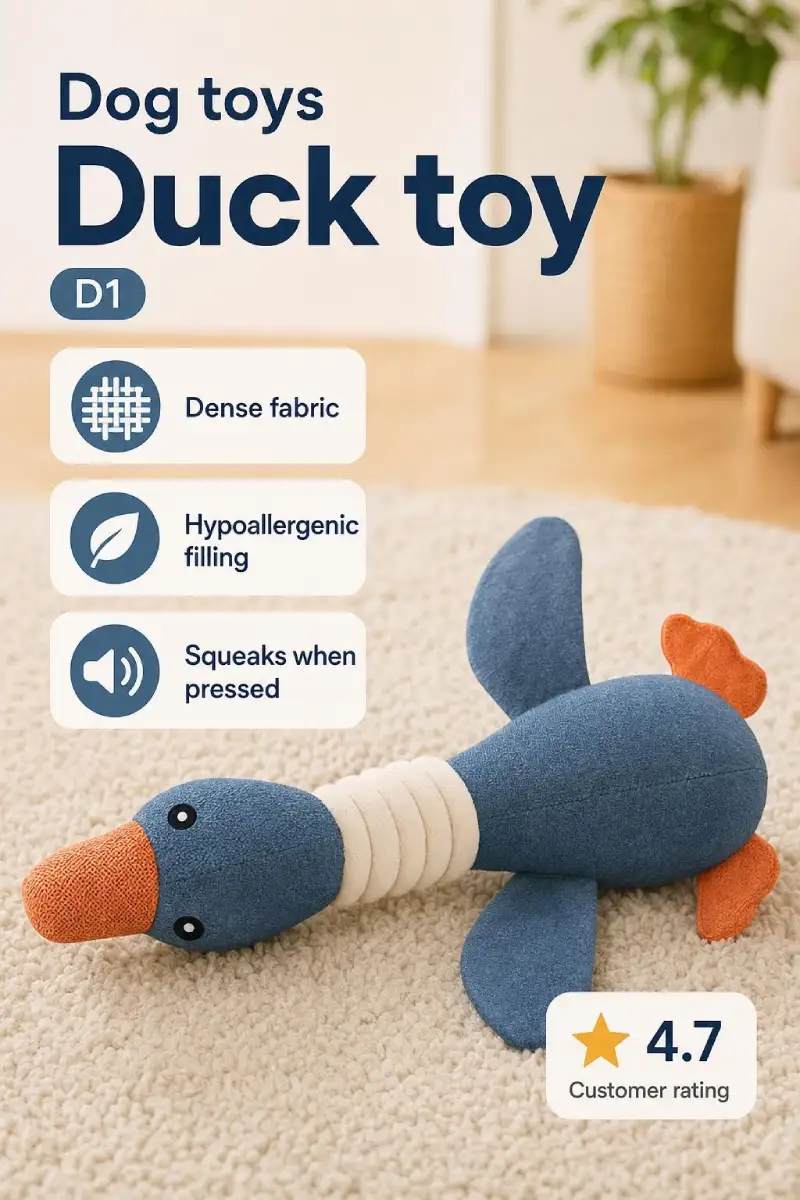
Animate a hero product image
Take a clean product image and add motion that shows shape, texture, scale, or use without distracting from the actual product.
Try image to video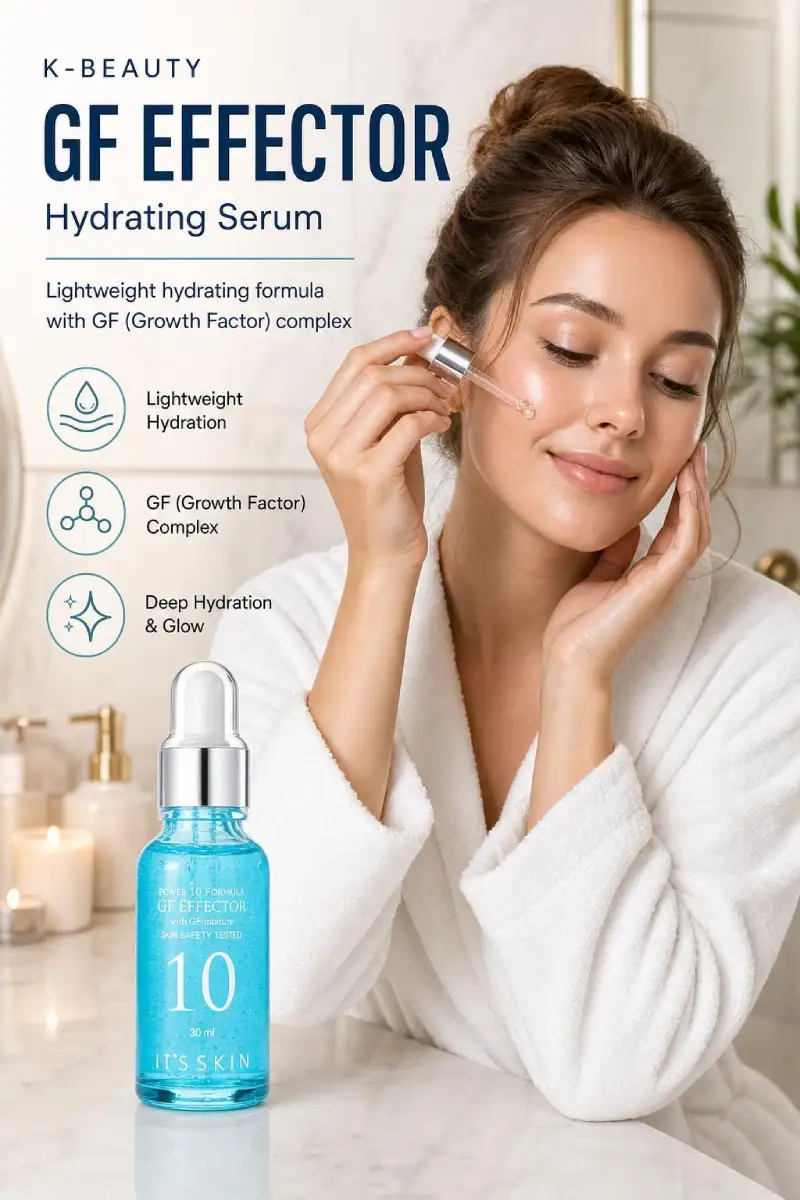
Create social video variants
Turn one image into multiple short video directions for TikTok, Reels, Shorts, and paid social creative tests.
Create video variants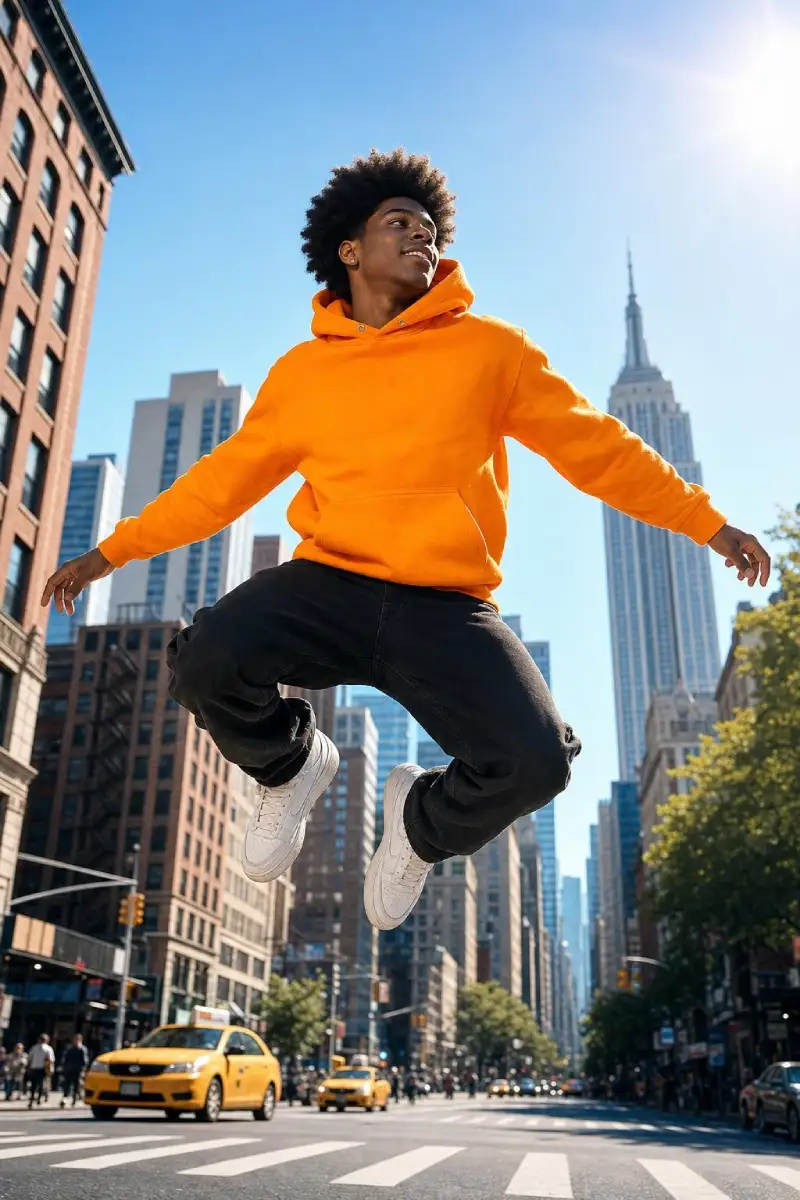
Extend lifestyle photos
Use existing lifestyle images as the starting point for short clips that make the product feel more active on product pages.
Animate lifestyle photo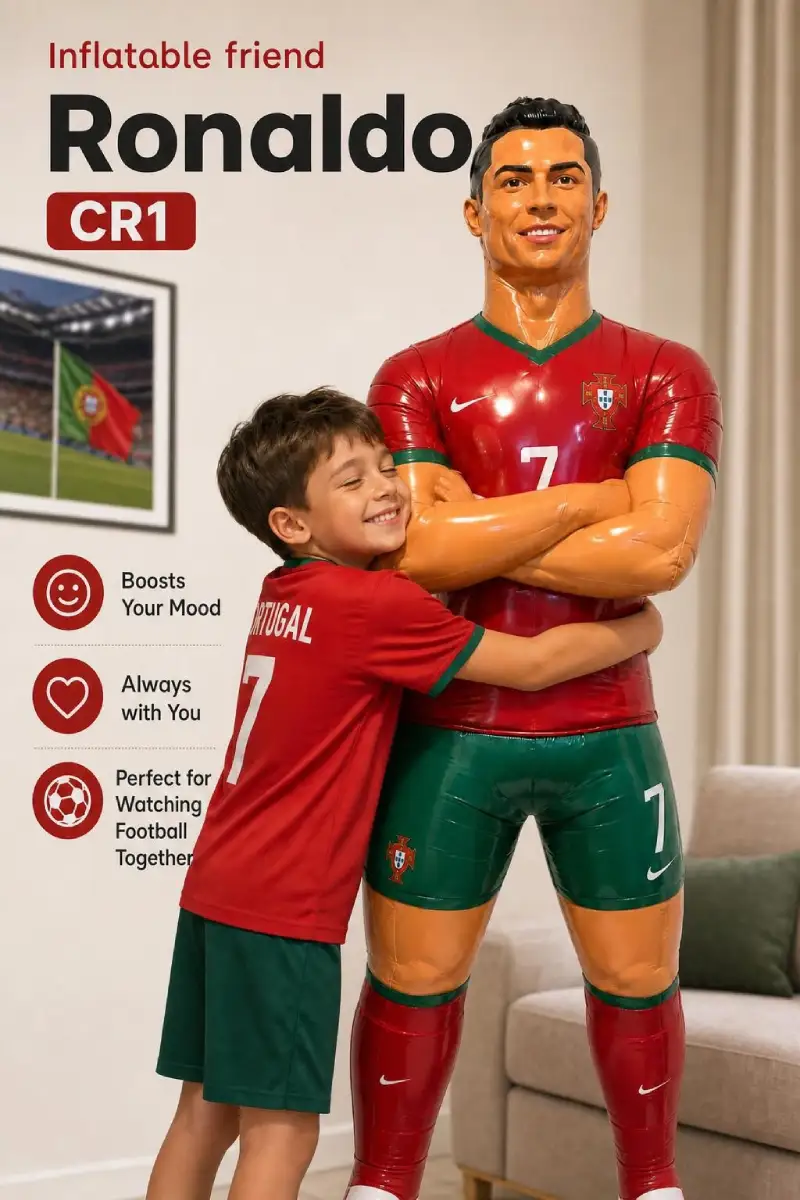
Support the listing gallery
Generate image-to-video assets that match the same product positioning as your static listing images and infographics.
Build video from imageCustomer stories
These examples show how sellers and creative teams use Sellixy to test offers, improve first images, and move quicker.
this stuff actually works
“had to spend some time fixing the prompts n testing stuff but once i got it right the results were actually rly good. worth it imo”
MaryMary
Good
“started using this for my home products n honestly ctr went up pretty fast. didnt expect ai images to work this good for marketplace listings”
Konstantin_P
not super easy but it works
“used a bunch of ai tools before but this one actually looks at competitor listings n makes images that fit marketplaces better”
SimonCY
AI Image to Video Generator FAQ
What is an AI image to video generator?
An AI image to video generator turns a still image into a short video by adding motion, depth, and scene direction from your prompt.
Can I use image-to-video AI for ecommerce products?
Yes. Upload a product image, describe how the product should move or be shown, and generate a short clip for product pages, marketplace listings, and ads.
Which marketplaces do you support?
Sellixy supports ecommerce sellers working across Amazon, Shopify, Etsy, Ozon, Wildberries, Temu, eBay, and similar marketplace channels.
Do I need design skills to use it?
No. The workflow is guided. Upload your product image, add the most important product facts, and generate a ready-to-review creative.
Related ecommerce guides
Continue from this tool into related guides for listing images, product videos, marketplace pages, and creative testing.
AI product video generator
Use the ecommerce-specific video page when the search intent is product listings, Shopify pages, and marketplace videos.
Product video strategy
Learn what to show in short marketplace videos and how to brief product-focused AI video generation.
AI product images
Create stronger source images before turning the best product visuals into short videos.
Marketplace video guide
Plan product videos for marketplace listings, ecommerce stores, and paid social tests.